React-Anna-group
Ecommerce Project II
1. Setup
Make sure you created a new week2 branch from the main branch of your forked repo. Then copy over the ecommerce folder you made last week into the week2/project folder. That way any feedback you get for week1 can be changed in the week1 branch and you are free to refactor this week as you see fit. This does mean you may need to apply the same changes to multiple branches, but let’s say that that is good for the learning process :).
2. Requirements
We are going to focus on linking up our app to the API this week. By the end of the assignment your application should work similar to this:
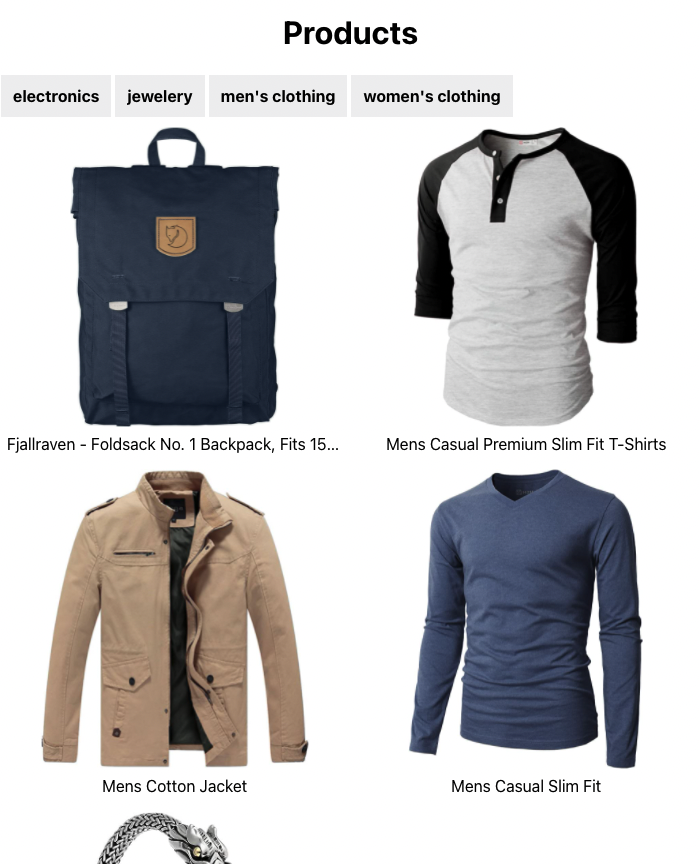
There is a live version here
Note: The API is a fully open API so can be a little slow to respond sometimes. Great for checking your loading UX!
What you need to have done at the end of the week:
- The fake-data directory should not be a part of your project anymore
- Your app will need to make 2 queries to the following endpoints:
https://fakestoreapi.com/products/categories-> To get all the categorieshttps://fakestoreapi.com/productsorhttps://fakestoreapi.com/products/category/<selectedCategory>-> To get the products. The API needs to do the filtering, not the frontend. Usually the amount of products will be too large to do the filtering on the frontend.
- Your app needs to show that it is loading when waiting on the request to come back. You can test this by mimicing a slow connection in your browsers’ developer tools
- Your app needs to show an error message if the request failed
- Your app needs to go to a detail page
/product/:idwhenever you click on the product card in the list. This should get the details from the endpoint:https://fakestoreapi.com/products/<id>. For now we won’t add a navigation bar, the browsers ‘back’ button will do the trick. TIP: You will need to add thereact-router-dompackage and add the routing to your app regardless. - You need to deploy your app somewhere (using something like netlify) and put the link in your PR! Make it a different one than the previous week.