React-Anna-group
Ecommerce Project I
1. Setup
The first step to any project is to setup your development environment. Follow the steps:
- Inside this folder (
week1/project), usecreate-react-appto create a React application. Give it the nameecommerceYou are going to be copying and refactoring your code every week but will simultaneously be getting feedback for previous weeks. As such, at the beginning of every week you copy over the project files from the previous week into a new folder and a new branch. To help you identify if all is well, we suggest keeping it in the week folder that it is a part of.
- Copy and paste the folder
fake-datainside thesrcfolder of your new project
2. Requirements
This week you’ll build the foundation of your application. It should eventually look like this:
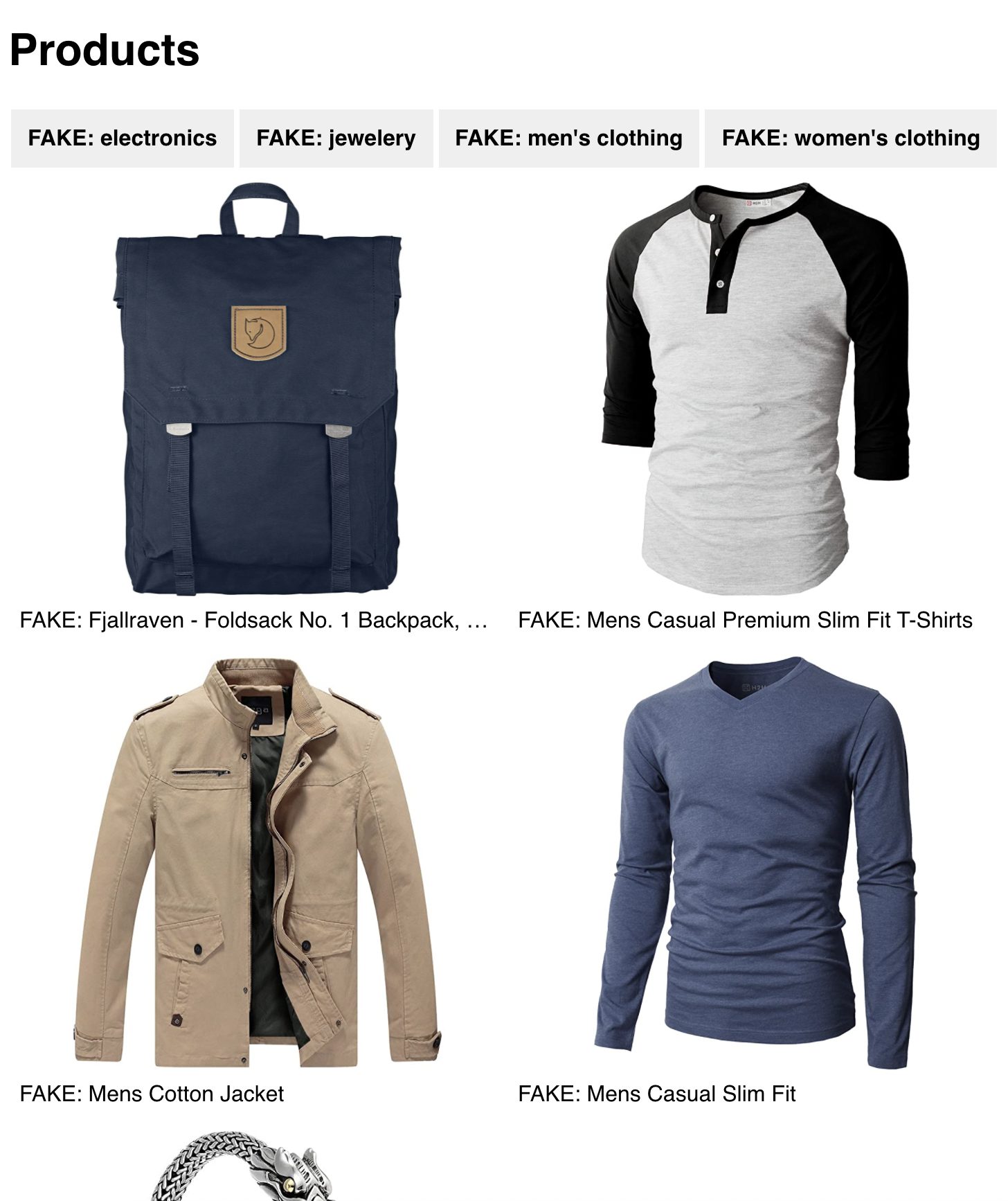
There is a live version here
We will be using the information in the fake-data folder as an example of what we get back from the API. The actual connection to the API will be done next week.
What you need to have done at the end of the week:
- A product list that displays all of the products in the
all-productsfile. Note: the site is responsive, so have a look at the breakpoints in the deployed example project. - A category list that displays all of the categories in the
all-categoriesfile at the top of the page - If the user clicks on a category only the products that have that category in their
categoryproperty should be displayed on the screen. Note: The categories listed in the product objects do *not* match up exactly with the categories in the categories list. You will have to find a solution to this *without* editing the files - There should only be 1 category active at a time and the user should see which category is selected.
- You need to deploy your app somewhere (using something like netlify) and put the link in your PR!